PomoFocus Support
A simple Pomodoro timer to help you stay focused and productive.
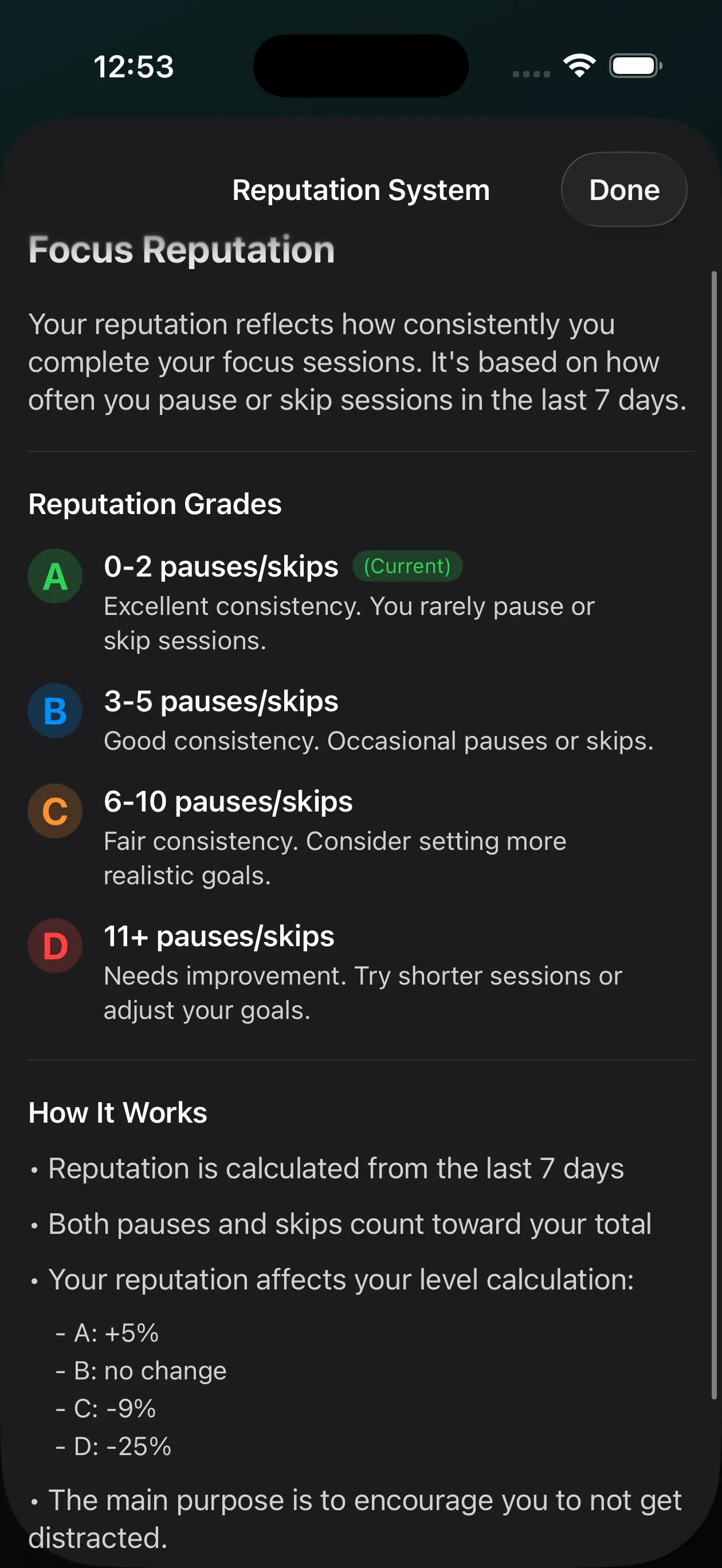
App Screenshots
Contact Support
Have a question or need help? Fill out the form below and we'll get back to you within 24 hours.
You can also reach us directly at: s.alaeiyeh@gmail.com
How to Use PomoFocus
Creating Custom Timers
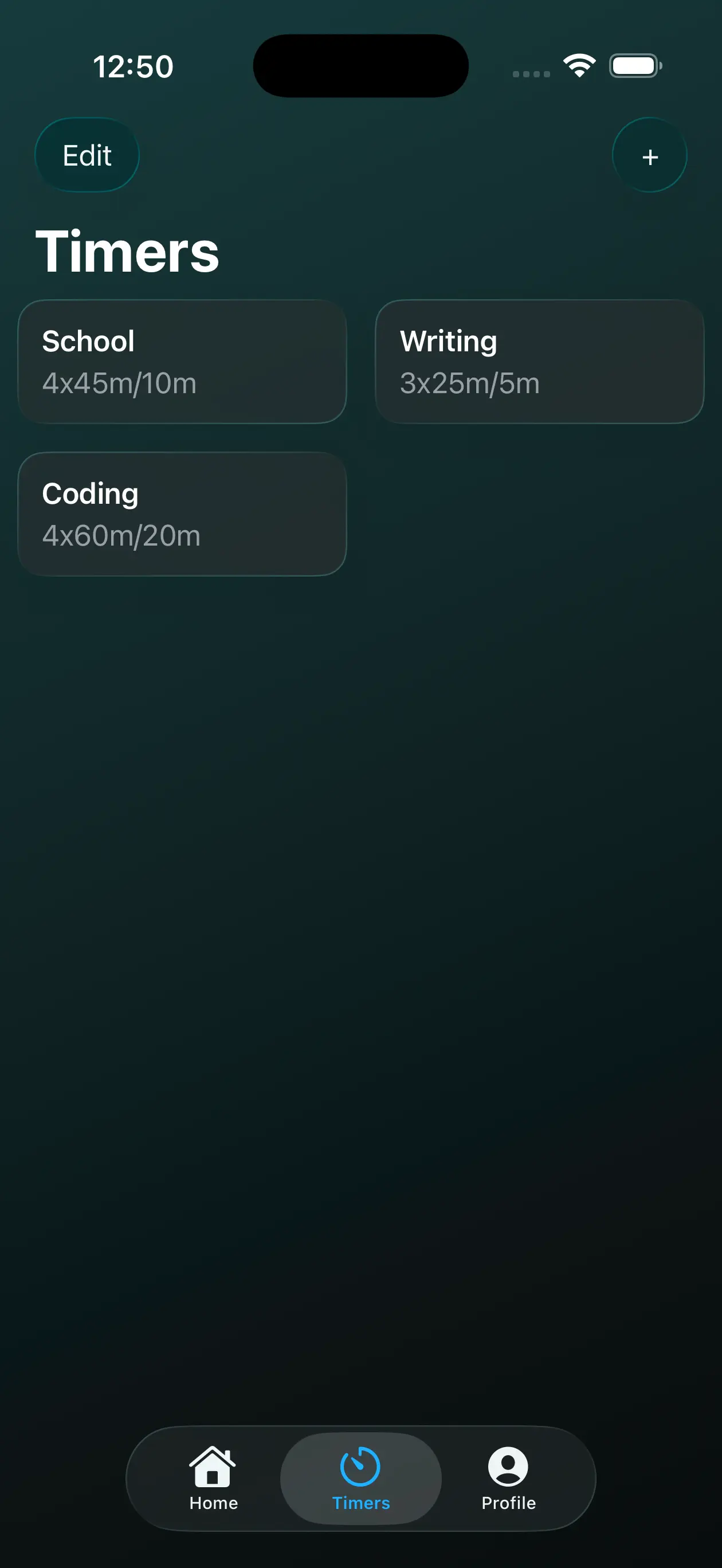
Navigate to the timers section and tap the "+" button to create a new Pomodoro timer. Set your preferred focus duration, short break, and long break lengths.
Starting, Pausing & Resetting Sessions
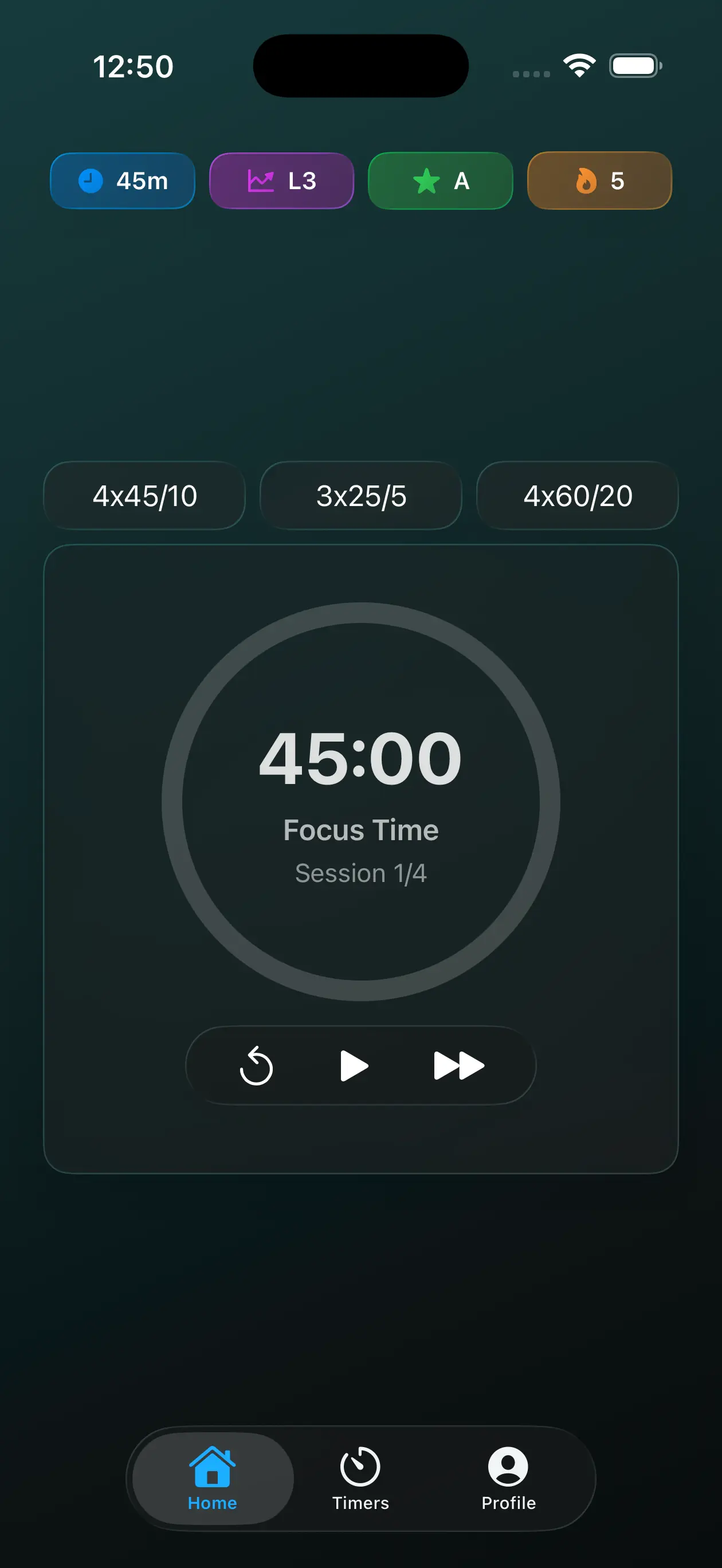
Tap the play button to start your focus session. You can pause at any time by tapping the pause button. To reset a session, use the reset button to return to the beginning of the current phase. You can also skip to the next phase (break or focus) using the skip button.
Viewing Your Statistics
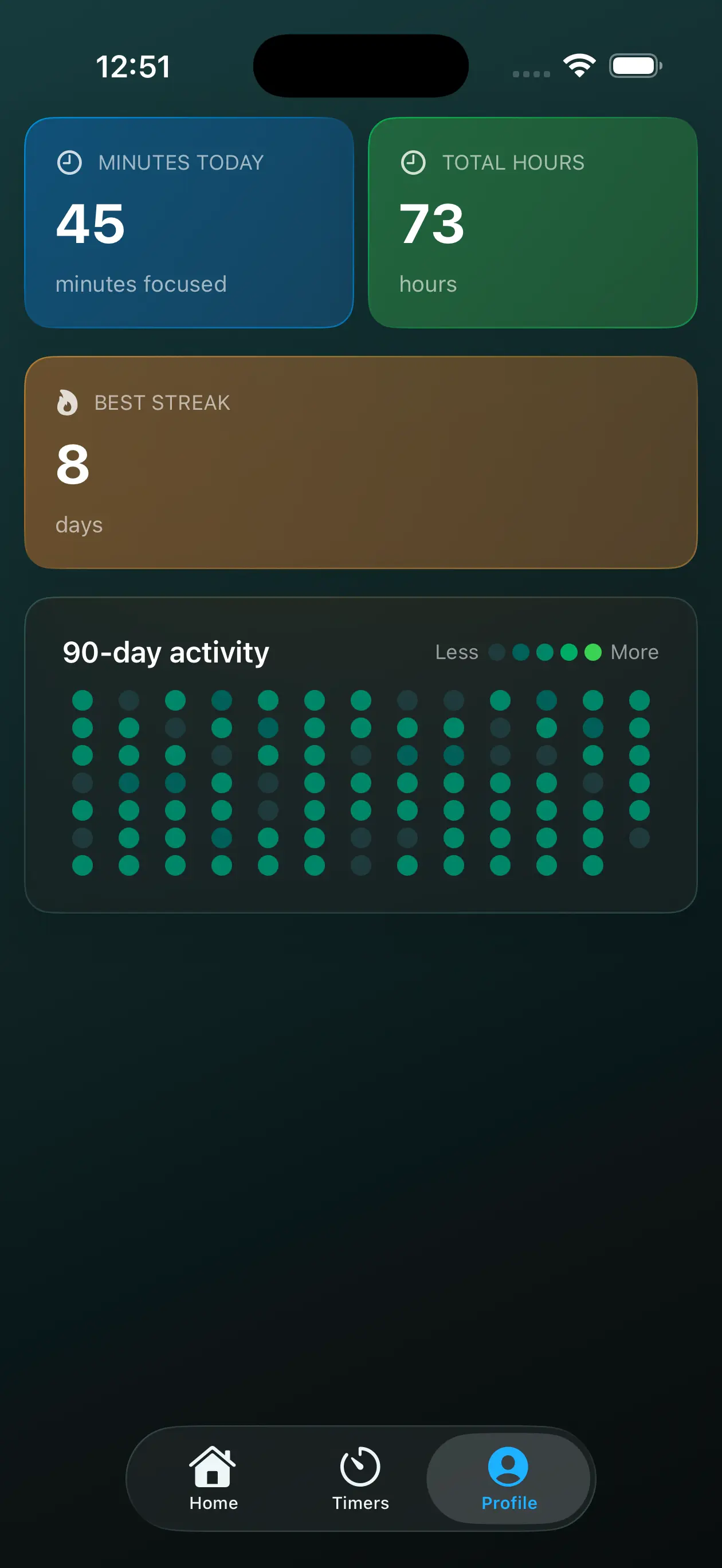
Access your stats from the main screen. Here you'll find your daily focus minutes, total hours focused, completed sessions, current streak, and a 90-day heatmap showing your activity patterns. Your stats help you track your productivity journey over time.
Frequently Asked Questions
Where are my stats?
Your statistics are displayed on the 'Profile' tab. You'll see stats like today's focus minutes, total hours, your best streak, and a 90-day activity heatmap.
How do I reset a session?
While a timer is running or paused, tap the reset button (circular arrow icon) to restart the current phase from the beginning.
How do I customize my timer?
Go to the timers section and either create a new timer or edit an existing one. You can customize the focus duration, short break length and long break length.
Does it work in the background?
Yes! PomoFocus continues tracking your time even when the app is in the background. You'll receive notifications when it's time to take a break or start a new focus session. Make sure notifications are enabled for the best experience.
How do streaks work?
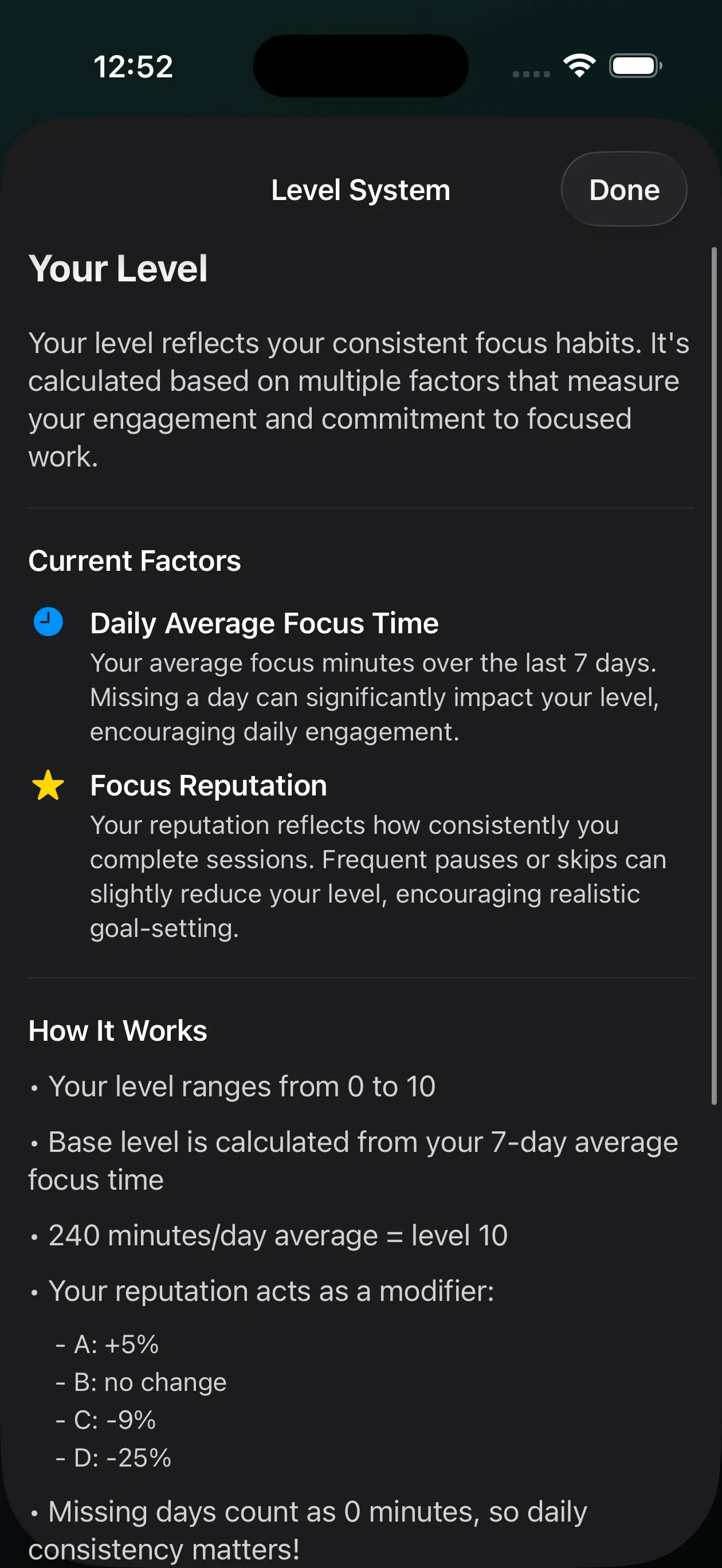
Your streak increases by one each day you focus for at least 30 minutes. If you miss a day, your streak resets to zero. Streaks help you build consistency and maintain a regular focus habit.
Troubleshooting
Notifications not working
If you're not receiving notifications:
- Check that notifications are enabled in your device Settings → PomoFocus
- Make sure "Do Not Disturb" mode is not blocking app notifications
- Try restarting the app
- Ensure the app has permission to send notifications
App not tracking progress
If your progress isn't being saved:
- Make sure you're completing full focus sessions (not just starting them)
- Check your device storage - the app needs space to save data
- Try force-closing and reopening the app
- Update to the latest version if available
Timer stopping in background
If your timer stops when the app is in the background:
- Check your device's battery optimization settings and disable optimization for PomoFocus
- On iOS, ensure Background App Refresh is enabled for PomoFocus
- Make sure the app isn't being force-closed by system memory management
- Keep the app updated to the latest version
Privacy & Data
We take your privacy seriously. Learn more about how we handle your data.
Read Privacy Policy